Why Inventory Feels Out of Control: 7 Problems Distributors Face
Stockouts, excess stock, and poor visibility are symptoms of a bigger problem. Here are seven inventory challenges distributors face and how to fix...
4 min read
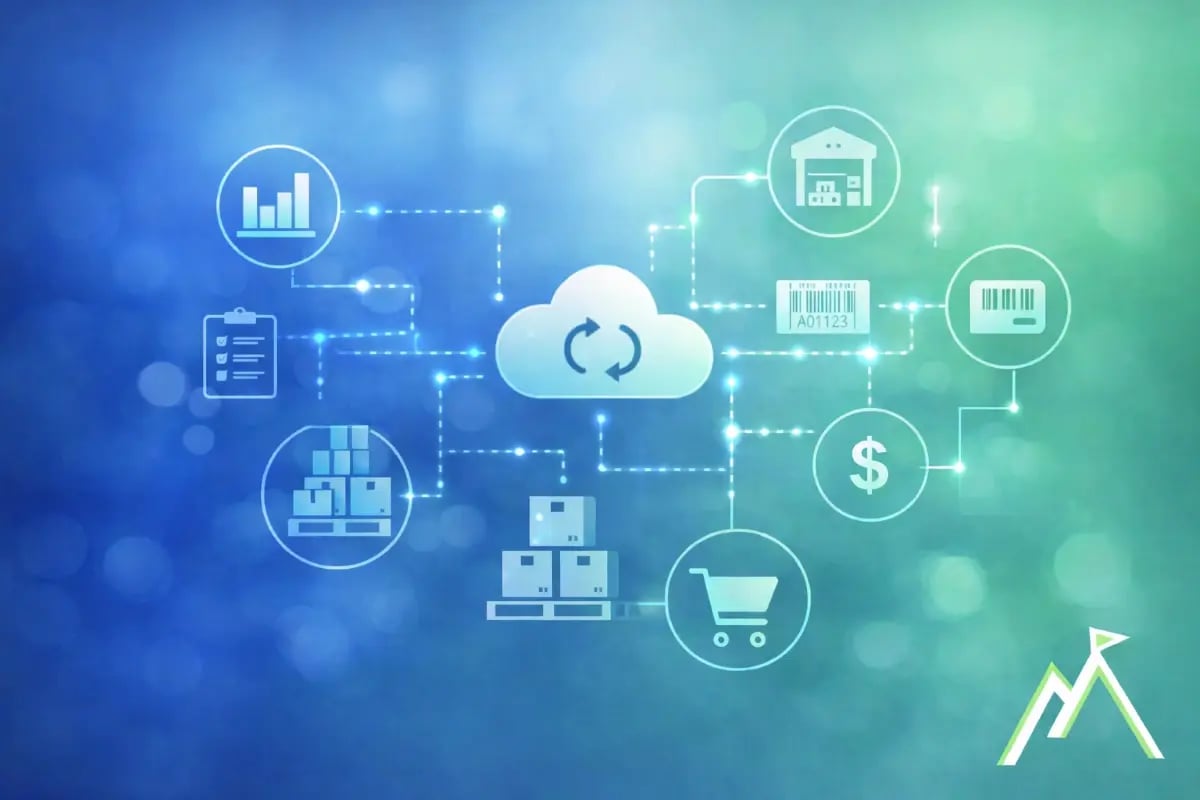
Distribution ERP software connects inventory, purchasing, sales, warehouse activity, fulfillment, and financials in one system. For distributors, that means a clearer view of how day-to-day operational decisions affect margins, cash flow, and customer commitments.
As locations, SKUs, suppliers, and sales channels increase, accounting software and separate tools can become harder to manage. That is usually when distributors start looking at ERP.
Distribution ERP software is designed for companies that buy, stock, sell, and ship physical products.
What separates ERP from standalone accounting or inventory tools is that those operational areas are connected to financial management in the same system.
That gives finance better visibility into costs, margins, and cash flow, while operations can see what is available, committed, on order, and ready to move through the warehouse.
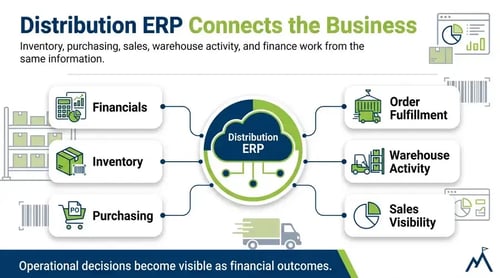
Accounting software can work well for distributors with straightforward operations. As inventory, purchasing, warehouse activity, and fulfillment become harder to manage across separate tools, finance often needs more visibility into what is driving the numbers.
ERP connects those operational areas to financial management, giving teams a clearer view of inventory costs, purchasing activity, margins, cash flow, and order fulfillment within the same system.
Most distributors do not move to ERP because their accounting system stops working.
They move because the business has become more involved than the tools supporting it. More locations, products, suppliers, and sales channels create more information to manage, and finance ends up spending more time piecing that information together than analyzing the business.
The books still close, but leadership starts asking questions the current system cannot easily answer:
That is usually when ERP starts making more sense.
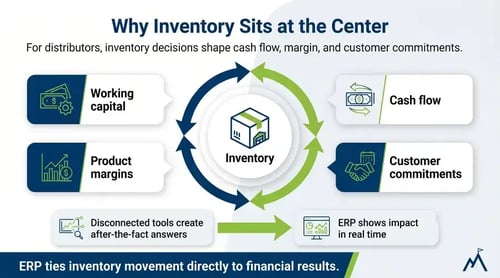
In distribution, inventory is not just an operational concern. It is a financial one.
Every purchasing decision affects working capital, every stocking decision influences cash flow, and supplier changes can shift margins long before those effects appear in financial statements.
When inventory, purchasing, sales, and finance sit in disconnected systems, those impacts can be difficult to see until someone brings the information together at month-end. Overstocking ties up cash, understocking risks missed revenue, and by the time the picture is clear, the decisions have already been made.
ERP connects inventory management to the financial side of the business, helping distributors understand how purchasing, pricing, and stocking decisions influence margins, cash flow, and profitability.
For a closer look at the issues that often create these problems, see our blog on common inventory problems distributors face.
A distribution ERP system connects the operational and financial parts of the business so inventory, purchasing, sales, warehouse activity, fulfillment, and reporting are managed from the same platform.
See inventory by warehouse or location, along with what is available, committed, on order, and moving between locations. Better inventory visibility helps purchasing, sales, warehouse teams, and finance work from the same numbers.
Connect purchase orders, supplier costs, inventory levels, and replenishment decisions so teams can make buying decisions with a clearer view of demand, working capital, and current stock.
Keep sales orders connected to inventory availability, allocations, shipments, and invoicing so teams can see what can be promised, what is committed, and what is ready to ship.
Distribution ERP systems can support receiving, transfers, picking, packing, shipping, and barcode-driven warehouse workflows while keeping warehouse activity connected to the rest of the business.
Freight, duties, and other landed costs can be allocated to inventory costs, giving finance a clearer view of what products actually cost and how those costs affect margins.
Inventory transactions, purchasing activity, sales, fulfillment, and financial reporting stay connected within the same system, giving finance better visibility across products, locations, and operating activity.
ERP often becomes worth considering when the business has outgrown what the current system can show. It rarely comes down to a specific revenue number. More often, the operation changes and the tools that worked before stop keeping up.
A few common signs a distributor is reaching that point:
One of these by itself may not require a new ERP. It is when several start happening at the same time that teams begin looking for a system that connects inventory, purchasing, sales, warehouse activity, and financials in one place.
Distribution companies evaluating ERP often look at a familiar group of platforms:
Each system approaches distribution differently. Some companies put more weight on financial reporting and accounting depth, while others focus on inventory, warehouse operations, supply chain requirements, or how well the ERP connects with ecommerce, EDI, shipping, and other systems.
The right shortlist usually comes down to how well each platform fits the distributor's inventory and warehouse requirements, financial reporting needs, integrations, implementation approach, and long-term support.
The right ERP should do more than replace an accounting system. It should help finance and operations understand what is happening across inventory, purchasing, warehouse activity, orders, fulfillment, and financial performance.
Teams should be able to see what is on hand, available, committed, on order, and moving between warehouses without rebuilding the picture from separate systems.
Purchasing should connect supplier costs, purchase orders, inventory requirements, and replenishment decisions so buying activity can be evaluated alongside cash flow and margins.
The system should support the way products are received, picked, packed, shipped, and transferred between locations while keeping that activity connected to sales and finance.
Distributors should be able to account for freight, duties, and other costs that affect inventory value and product profitability.
Finance should be able to report across products, locations, channels, and business units without manually piecing operational and accounting data together.
Look at how the ERP will connect with ecommerce, EDI, shipping, tax, or other systems you plan to keep, and who will be responsible for configuring, implementing, training, and supporting the system.
Milestone Information Solutions has helped distribution companies for more than 30 years connect inventory, purchasing, warehouse activity, and financial reporting through ERP.
Use these resources to continue evaluating what your business needs from an ERP system:
→ Take the 2-minute ERP readiness quiz
→ See the distribution metrics that matter
→ Explore Acumatica Distribution ERP
Stockouts, excess stock, and poor visibility are symptoms of a bigger problem. Here are seven inventory challenges distributors face and how to fix...
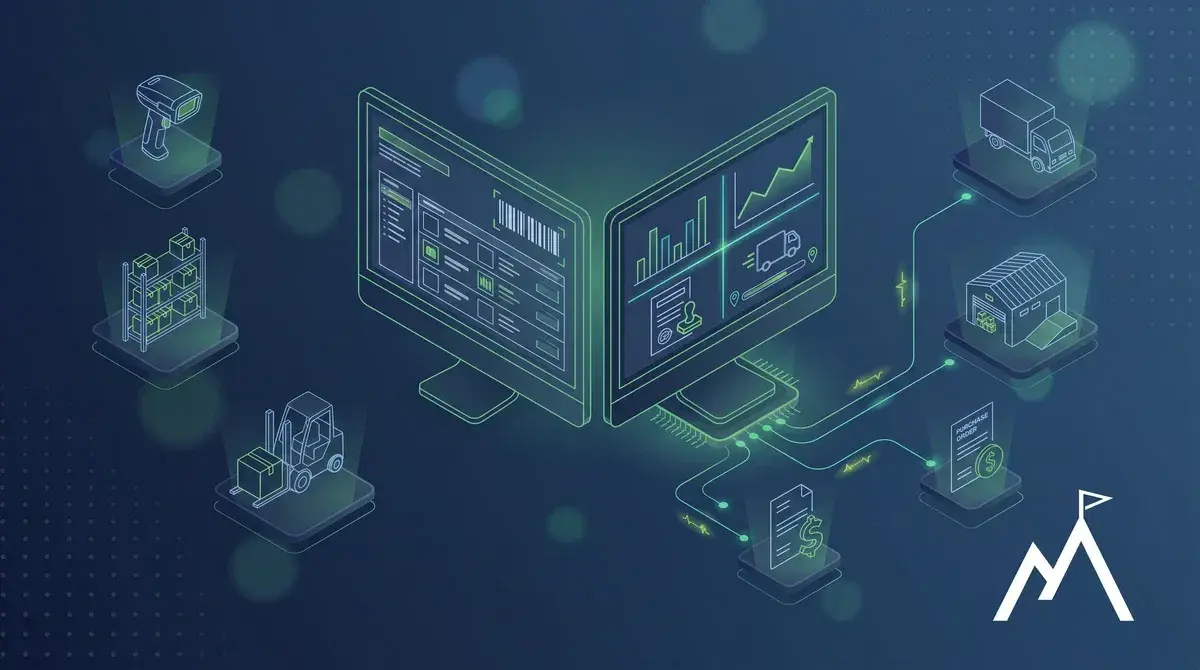
Compare ERP and WMS, see how standalone and integrated systems differ, and learn when an ERP WMS may be the better fit for your warehouse.
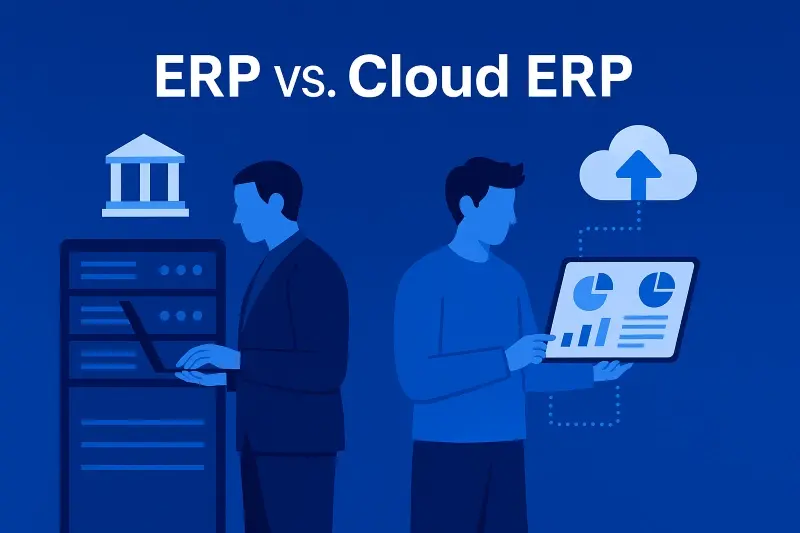
Compare on-premise ERP and cloud ERP. Discover the key differences in cost, security, and scalability to choose the best fit for your business.